

Adobe Colour
Adobe
Colour code - 2081
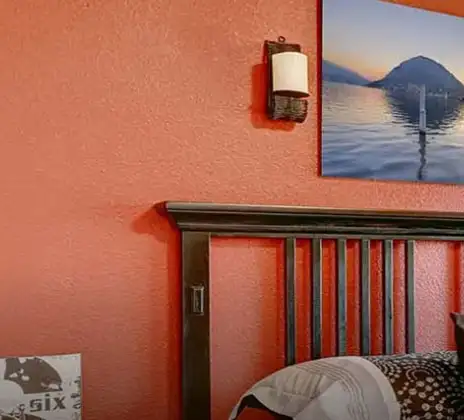
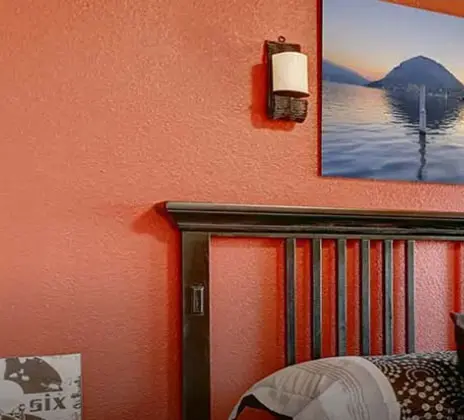
A subtle soft shade of Beige, Adobe colour teleports you to the mystical forestland of fairies and sylphs.
This shade lightens up your patio walls, recreating an ambience to dance with the Universe's rhythm.
Dance has always been a very primordial way of expressing emotions. Make this outdoor space an open sanctuary with hanging pots, designer wall lights, and fairy lights to channel your inner desires through art forms.
Abode colour grooves with ivory, terracotta, and sunshine orange.
Disclaimer: Actual wall paint colour applied may differ from the on-screen representation above. Please confirm your colour choices prior to purchase by viewing a physical colour shade card or a painted sample.
Still confused ? Explore all our shades from our colour catalogue
Paint your life's canvas with our painting experts
Fill the form below to book a free site evaluation by Nerolac Express Painting Service expert
Trending Colour Shades
Find the Perfect Colour Shades for you walls
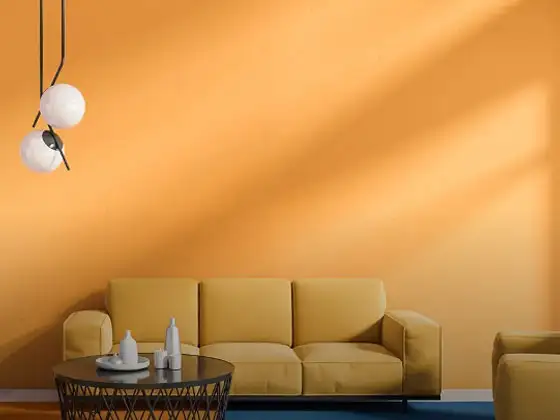
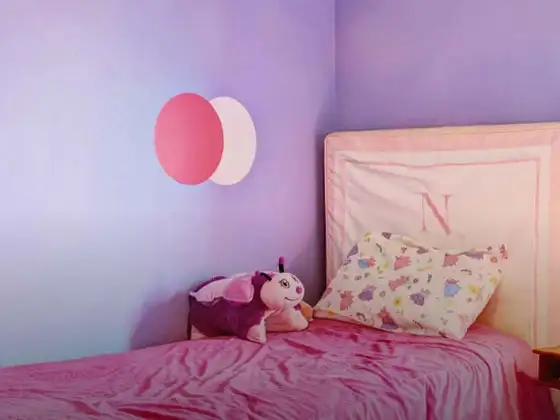
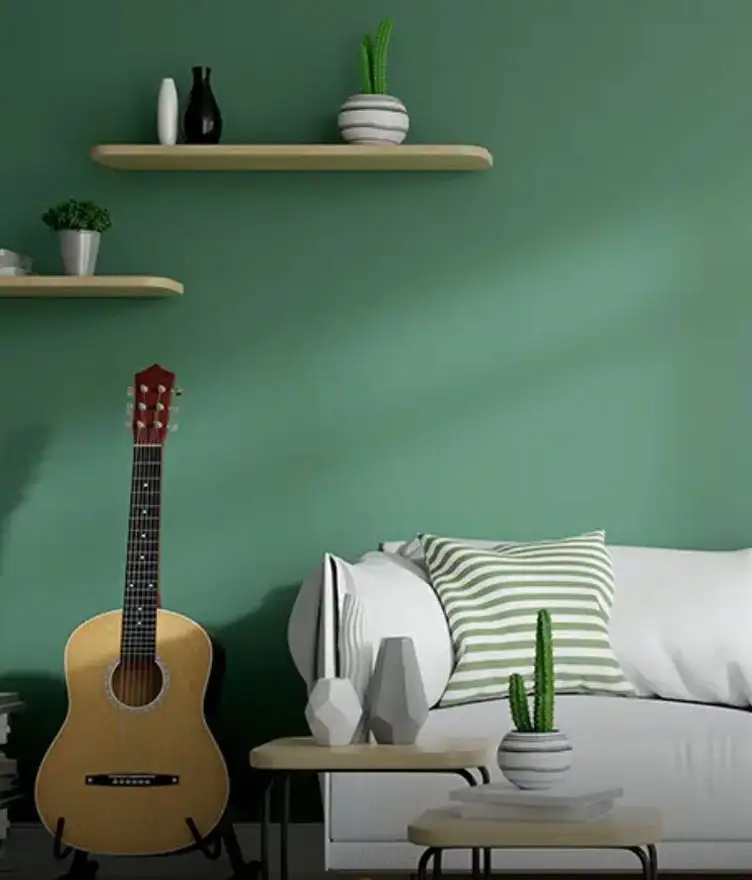
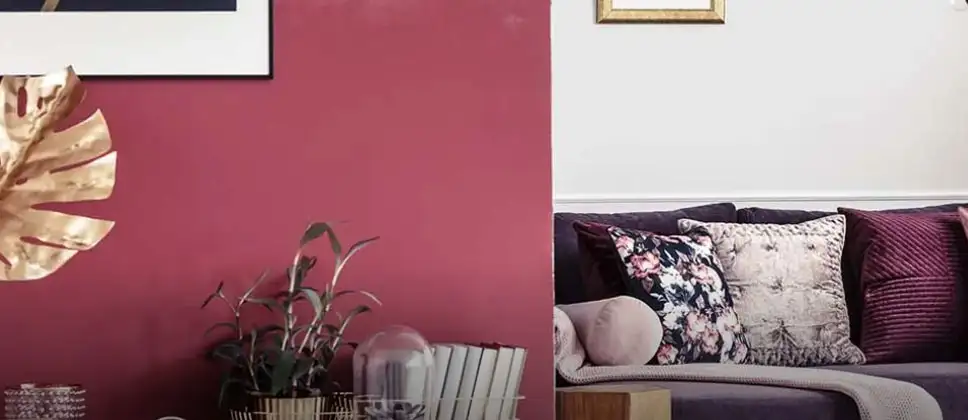
Products in this shade
Browse through our wide range of paints to find the one that accentuates your home's beauty
Impressions Kashmir
Nerolac Impressions Kashmir Luxury Emulsion is a superior quality 100% acrylic emulsion based interi...
Beauty Gold Washable Plus
Nerolac Beauty Gold Washable Plus is an interior emulsion paint has a rich sheen finish, with highes...
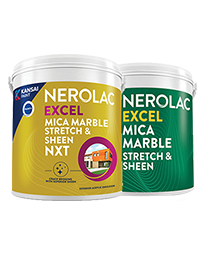
Neroalc Excel Mica Marble Strech Sheen & Mica Marble Stretch Sheen NXT
Nerolac Excel Mica marble stretch sheen Nxt & Mica Marble Strech Sheen is an extremely durable water...
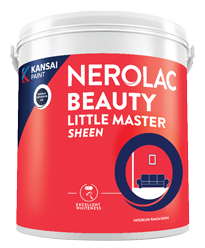
Beauty Little Master Sheen
Nerolac Beauty Little Master Sheen is an Economy Interior Wall Emulsion with very good sheen, smooth...

Beauty Gold washable and Beauty Gold Washable NXT
Nerolac Beauty Gold Washable paint has a soft sheen finish, with excellent stain-cleanability at an a...


Find an Expert Painter Near You
Enjoy a holistic painting experience with Nerolac NxtGen Services
About Adobe Colour
Adobe Colour Designs, Shades & Combinations for Your Home
Adobe is a light beige colour that feels warm without being too heavy. It is close to the warm neutral zone on the colour wheel. It slightly leans toward orange colour and brown colour tones. It has a smooth, grounded look because it is made by mixing light brown with muted orange and a touch of cream. The undertones are warm and a little bit sandy. Adobe colour is a great choice for living rooms, bedrooms, and even hallways where you want a calm, welcoming background that doesn't take over the space.Key Characteristics of Adobe Colour
- Soft warmth that feels natural – Adobe adds warmth in a relaxing way. It doesn't sound too loud or too rich, so it's easy to live with every day.
- Balanced earthy undertones – The brown and muted orange mix gives Adobe colour shades a grounded feel. These undertones make it look good with both light fabrics and wooden finishes.
- Versatile neutral appeal – It comes with more personality than plain beige. This makes it a great base colour for different areas of the home.
- Light-reflecting yet cosy – Adobe reflects light softly, so the space never feels dull. At the same time, it creates a cosy environment, especially in the evening.
- Easy to pair with other shades – Because of its balanced tone, Adobe blends well with both lighter and darker colours. It allows you to experiment without worrying about clashing combinations.
Practical Uses of Adobe Colour
- Living room walls – Adobe walls in the living room make the space feel warm and welcoming. When you put it with neutral colour furniture, it looks great as a main wall colour.
- Bedroom spaces – In bedrooms, Adobe feels calm and restful without being too plain. It helps create a relaxed setting that’s perfect for winding down.
- Hallways and corridors – Adobe colour different shades add a gentle warmth to passage areas. They make narrow spaces feel more welcoming rather than dull or empty.
- Dining areas – Adobe brings a cosy and grounded feel to dining room walls. It pairs nicely with wooden tables and warm lighting.
- Accent walls – When used on one wall, Adobe adds depth without making the room feel smaller. It works well behind sofas, beds, or TV units.
Adobe Paint Choices for Your Walls
Homeowners can choose from different Adobe colour shades that move from light and airy to deep and rich, giving you flexibility depending on your space. Each variation keeps the same warm base but changes in depth, allowing you to create different moods. Choosing the right shade depends on the size of the room, the amount of light it receives, and how bold you want the walls to feel.Light Adobe Shades
Light Adobe shades of colour feel soft, open, and easy to live with. They are perfect for spaces where you want brightness with a hint of warmth. Bombay Baguette colour works well in living room walls and bedrooms where natural light is strong. It keeps the space looking fresh while still adding a gentle warmth to the walls.Medium Adobe Shades
Medium shades in Adobe colour bring a bit more depth while still keeping the room balanced. They are ideal for spaces that need a slightly richer look without going too dark. Log House colour fits well in dining areas or feature walls in living rooms. It adds character and warmth, especially when paired with wooden furniture and soft lighting.Dark Adobe Shades
Dark types of Adobe colour shades create a bold and cosy atmosphere. They are best used in controlled amounts to avoid making the room feel too heavy. Blended Latte colour is a great choice for accent walls in bedrooms or lounge areas. It adds depth and makes the space feel intimate and well-defined.Adobe Wall Colour Combinations for Your Home
The right Adobe colour combination depends on how you want the shade to look on your walls. But it is best to pair this hue with shades that either soften its warmth or add contrast to it. Instead of mixing too many colours, it’s better to choose one supporting shade and repeat it across the room through walls, furnishings, or décor. This keeps the space looking neat and connected while still allowing each area to have its own feel. Here are some two colour combination pairings that you can try:| Room / Space | Recommended Colour Combination |
|---|---|
|
Living room (main walls) |
Adobe + Coconut Bisque |
| Bedroom (accent wall) |
Adobe + Molasses |
| Study or home office |
Adobe + Othello |
| Dining area |
Adobe + Bison Beige |
1.Adobe + Coconut Bisque - 2793 Colour Combination
Coconut Bisque lightens the overall look and balances Adobe’s warmth. Use Adobe on the main wall and Coconut Bisque colour on the surrounding walls to keep the room feeling open and comfortable.2.Adobe + Molasses - 2818 Colour Combination
Molasses colour adds a deeper Adobe colour contrast that works well in bedrooms. This pairing creates a cosy setting, especially around the headboard wall or a corner that needs a bit of depth.3.Adobe + Othello - 2861 Colour Combination
Othello colour brings a darker, more modern edge to Adobe. It suits study room walls or workspaces where you want a focused and slightly bold environment.4.Adobe + Bison Beige - 2894 Colour Combination
Bison Beige colour blends smoothly with an Adobe colour palette for a soft, layered look. This combination is ideal for dining areas where you want warmth without too much contrast.Best Adobe Colour Shades for Accent Walls
Accent walls are a simple way to bring Adobe into your home without using it on every surface. They help highlight a specific area while keeping the rest of the room light and balanced. This works especially well in smaller spaces where darker walls might feel too strong. But many wonder how to create Adobe colour accent walls that look stunning. When choosing an accent wall, go for a surface that is clean and not broken by too many doors or windows. This helps the colour stand out properly and keeps the overall look neat.| Colour Shades | Accent-wall location |
|---|---|
|
Bombay Baguette |
Living room feature wall |
| Log House |
Bedroom headboard wall |
| Blended Latte |
Study or lounge wall |
Simple Tips for Using Adobe Colour at Home
Adobe is easy to use. But not many know how to make Adobe colour look good on their walls. A few simple choices can make it look even better in your space.- Use warm lighting to enhance its natural tones and make the room feel more inviting.
- Pair it with wooden furniture for a cohesive and grounded look.
- Keep décor simple, so the wall colour remains the highlight.
- Add lighter shades in furnishings to balance the warmth.
- Test the shade on a small section before painting the full wall.
How Nerolac Can Help You Paint Your Walls Adobe Colour
Getting Adobe right on your walls depends a lot on proper surface preparation and careful application. Even a warm neutral like this can look uneven if the base isn’t smooth or if the finish is rushed, especially on larger walls. Nerolac home painting service is designed to take care of the entire process, starting from colour selection to final application. With expert consultation at home, you can understand how different Adobe shades will look in your space before making a final choice. The service includes trained painters, a clean painting process, and helpful tools that let you visualise colours on your walls. To make your selection easier, it’s always a good idea to shortlist a couple of shades and confirm them using a physical shade card or a small painted sample, as screen colours can sometimes look slightly different in real life.Plan, Design and Paint Your Walls With Nerolac Tools
Ready to plan your makeover? Use the tools below to explore shades, visualise rooms and estimate paint and budget.Colour Visualiser
Use the Nerolac Colour Visualiser to try out different shades and textures from our colour and texture palette on the walls of our ‘room presets.’ You can also see how each colour will look under various lighting conditions, such as natural sunlight, cool white colour light and warm yellow colour light, before finalising a shade.Colour Catalogue
Use the Nerolac Colour Catalogue to browse over 1,500 Nerolac wall paint shades. Search by colour name or code, or filter by colour family to quickly discover options that match your décor. Shortlist your favourite shades and pair them with the other Nerolac tools to finalise the perfect colour scheme for your home.Paint Calculator
Use the Nerolac Paint Calculator to estimate the area to be painted and the required paint volume for your décor project. Enter wall dimensions, room count, and preferred product to get an approximate paint quantity and cost, helping you plan your project with greater confidence.Frequently Asked Questions For Adobe
What kind of colour is Adobe for walls?
Adobe colour is a warm beige with earthy undertones. It feels soft and natural, making it easy to use in most rooms.
Where does Adobe sit on the colour wheel?
It sits in the warm neutral section, leaning towards orange and brown. This gives it a balanced and cosy appearance.
How do you make Adobe colour look good in a room?
Pair it with lighter shades and simple décor to keep the space balanced. Good lighting also helps bring out its warmth.
Is Adobe suitable for small rooms?
Yes, lighter versions of Adobe work well in smaller spaces. They keep the room bright while adding a bit of warmth.
Which finish is best for Adobe wall paint?
A matte or eggshell finish works well for most rooms. These finishes give a smooth look and hide minor wall imperfections.
What colours go well with Adobe walls?
Soft creams, deeper browns, and muted darker tones pair nicely with Adobe. These combinations help create a balanced and layered look.
Can I check how the shades will look on the walls?
Before going ahead with a fresh coat of paint, it is necessary to see how the Adobe paint shades look on the walls. To make things easier, first, go to our Colour Catalogue and browse through the colours you like the most. Pick your choice of shade, click on the home icon to visualize how it will look on the walls.
From where can I buy the paint after selecting the shade?
After you have selected the shade, you can pick a store near you with the help of Store Locator and purchase interior, exterior colour shades, enamel paint and many more products of your choice.
What’s next after selecting paint colours for my home?
NXTGEN painting service – our brand-new service gives you an exemplary painting service by our highly experienced and reliable painters. All you need to do - drop your details, and an expert will get in touch with you. Et Voila! Your space is redefined within 5 days.
I am not sure of my selection of shade, can I watch a preview of it from my home?
Different light settings accentuate and enhance the colour on the walls. To visualize the shade before finalizing, download our Colour My Space app on Apple or Google Play Store. Here you can watch presets for different rooms, select the right texture and then simply call a painter near your location. Also, our very own Product Comparison Tool renders you with a visual, answering every speck of your concerns.
What is the hex code of Adobe colour? Which colour family does Adobe belongs to?
Adobe colour is one of the shades of beige colour and its hex code is #dbaa86.
Create magic with our inspiring Two Colour Combinations!
-
Orange And Lilac Colour Combination
-
Red And Brown Colour Combination
-
Yellow And Blue Colour Combination
-
Yellow And Green Colour Combination
-
Yellow And Orange Colour Combination
-
Yellow And Red Colour Combinations
-
Orange And Brown Colour Combination
-
Orange And Gold Colour Combination
-
Orange And Grey Colour Combination
-
Orange And Cream Colour Combination
-
Orange And Peach Colour Combination
-
Orange and Red Colour Combination
-
Orange And Purple Colour Combination
-
Orange And Pink Colour Combination
-
Orange And White Colour Combination
-
Orange And Neutral Colour Combination
-
Orange And Beige Colour Combination
-
Orange And Violet Colour Combination
-
Orange And Blue Colour Combination
-
Orange And Green Colour Combination
Latest Happenings in the Paint World
Get some inspiration from these trending articles
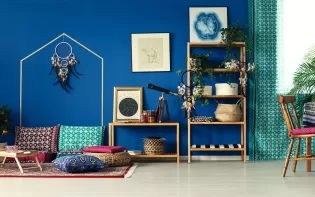
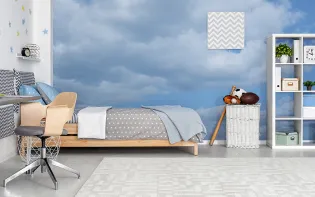
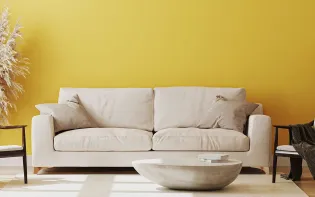
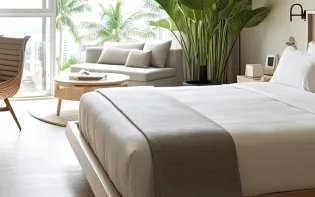
Get in Touch
Looking for something else? Drop your query and we will contact you.
Popular Searches
What’s Trending in Bedrooms
Explore Trending Living Room Ideas
- Living Room Colour Combination
- Modern Two Colour Combination for Living Room
- Wall Texture for Living Room
- Vastu Colours for Living Room
- Wall Texture Design for Living Room
- Living Room Paint Ideas
- Living Room Design Ideas
- Paint Colour Ideas for Living Room
- Living Room TV Wall Designs
- Green Living Room Walls
Kitchen Ideas People Love
Explore Trending Ceiling Ideas
Study Room Ideas in Demand
Explore Wall Paint Categories
Handpicked Colour Inspirations
- Accent Wall Design
- Bedroom Design Ideas
- Exterior Wall Colour Design Ideas
- Interior Wall Colour Design Ideas
- Kitchen Design Ideas
- Living Room Interior Design
- Geometric Wall Design Ideas
- Home Colour Combination Ideas
- Home Décor Ideas
- Mural Wall Paint Design Ideas
- Office Space Design Ideas
- Puja Room Design Ideas
- Texture Design Ideas
- Festival Painting Ideas
- Paint Colour Chart
- Wall Painting Designs
- Wood Wall Décor Ideas
- Mural Wall Paint Design
- Hall Design Ideas
- Gate Colour Design
- Exterior Wall Colour Design
- Door Colour Design Ideas
-
 Get in Touch
 -
Store Locator
-
 Download App
×
Get in Touch
Looking for something else? Drop your query and we will contact you.

